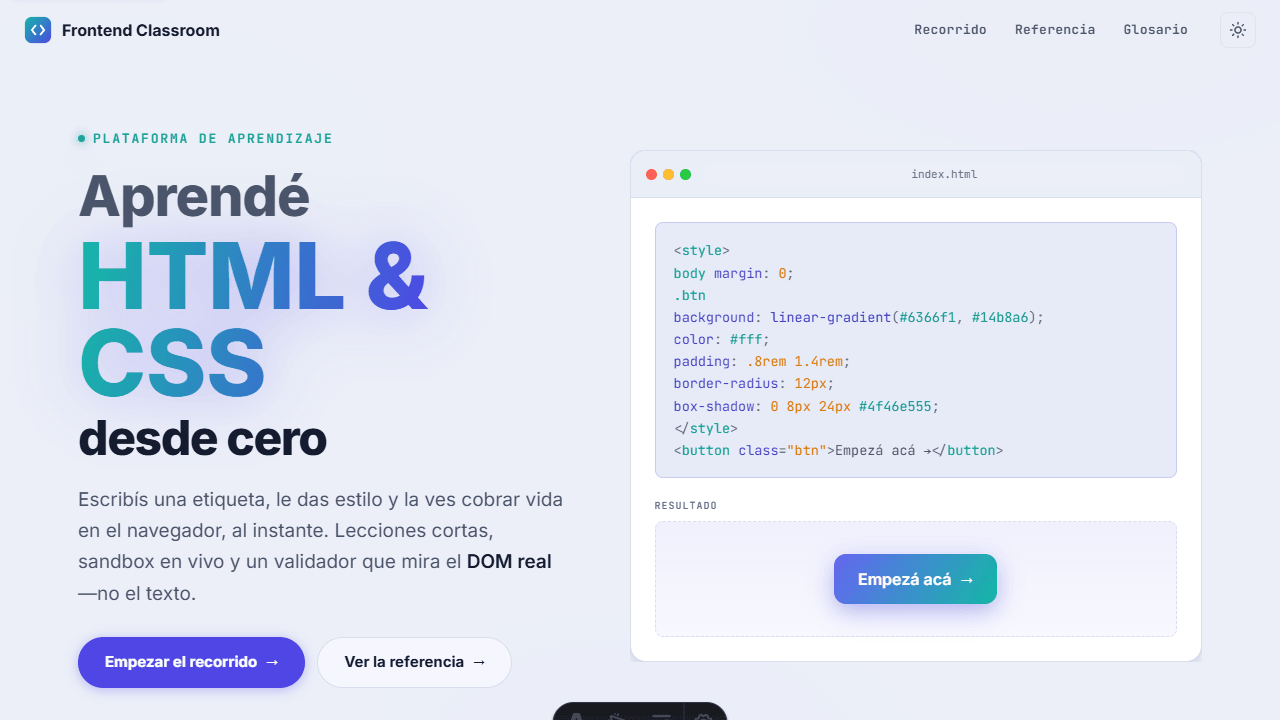
Two pillars: a guided track and a searchable reference
Frontend Classroom is a web platform for learning HTML and CSS from scratch. It rests on two independent pillars: the Track, 29 modules with 87 lessons and an executable sandbox in every exercise; and the Reference, 134 MDN-style entries that do not depend on completing the track. There is also a glossary.
It is entirely my own project: 159 commits, all mine, with no upstream to credit. It is built with Astro 5 (a static site), React 19 only where interactivity is needed—the sandbox is the sole island—TypeScript, and Tailwind CSS 4.
The repository is private, so there is no Repo button. That is a decision, not an omission: what can be reviewed is the deployed demo and the screenshots on this page, all taken from the real running app. This case deliberately relies on that evidence.
A validator that inspects the real DOM, not the text you wrote
This is the project’s most technical piece and the reason the platform is not a blog with exercises. Every exercise lesson includes an embedded CodeMirror 6 editor—with HTML and CSS tabs—a live preview, and a Check button. Pressing it runs checks defined in the lesson content itself against the rendered DOM.
The difference matters. Validating written text demands an exact answer and penalizes a student for an
extra space, single quotes, or different nesting. Validating the rendered DOM asks what truly matters—
does an h1 exist? does a p exist?—and accepts any way of writing that produces the result.
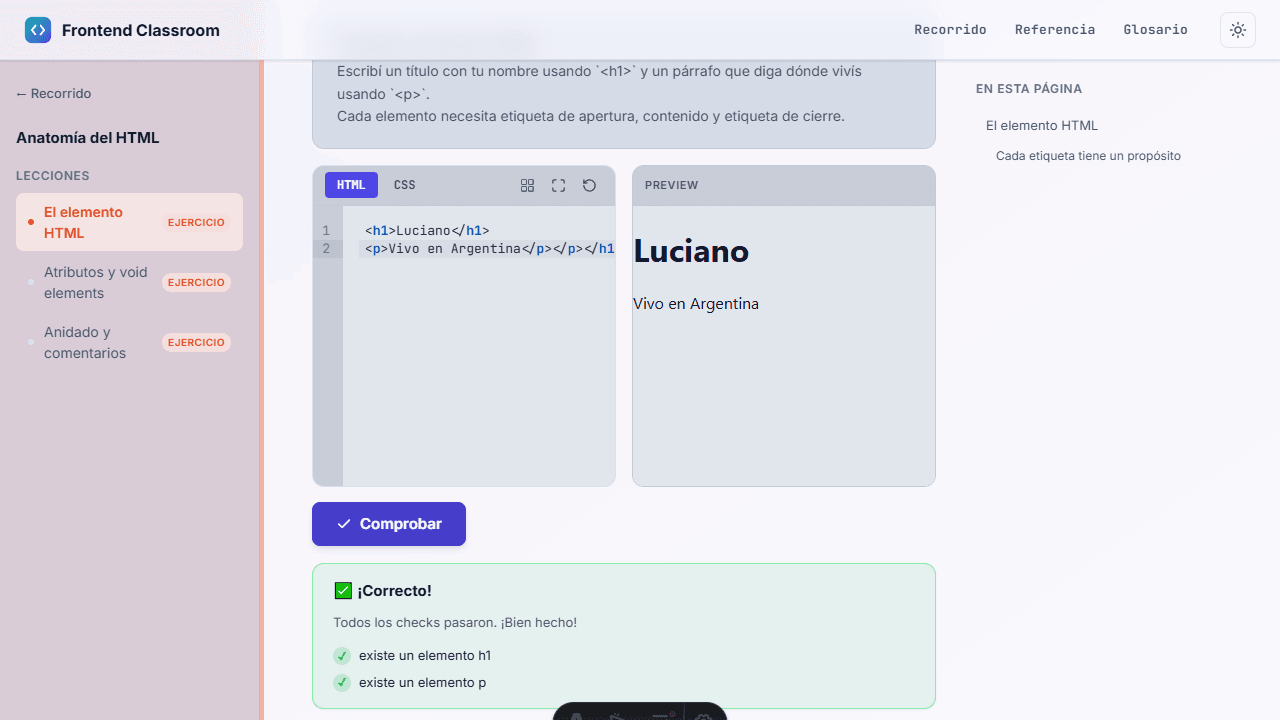
The engine lives in src/lib/sandbox-runtime.ts, outside the components, and the check types are declared
in src/content.config.ts—so the content schema validates at build time which checks a lesson may request.
It follows the same criterion used throughout the project: domain logic lives in src/lib/
(referencia-utils.ts, recorrido-secciones.ts), separate from the view consuming it.
The cost is that feedback cannot be as specific as a text validator’s: the engine knows a p is missing,
but not whether the student wrote it incorrectly or never tried. In exchange, it never rejects a correct
solution written differently—which is the mistake most likely to drive away someone just starting out.
29 modules, 87 lessons, in order
The Track is the guided path: 29 modules ranging from how the web works to building interfaces, organized
into two layers—HTML for structure and CSS for form—and 87 lessons in total. Modules are JSON and lessons
are Markdown, two separate content collections under src/content/.
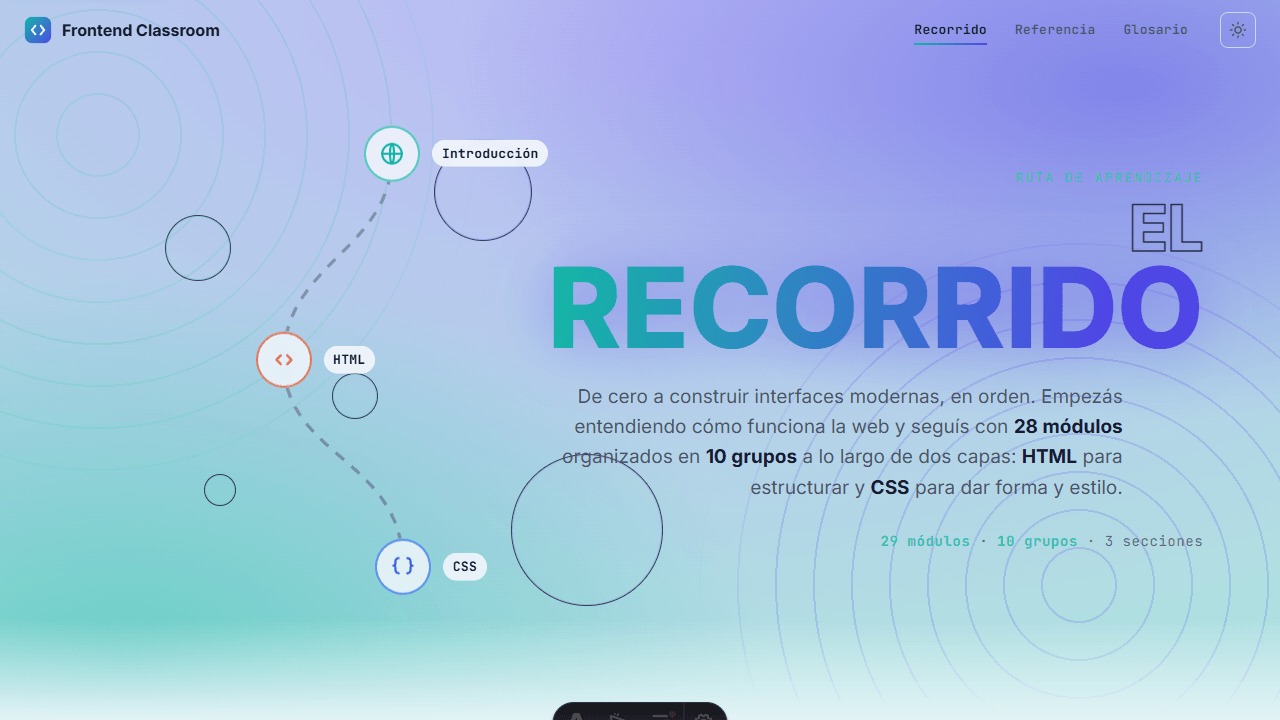
Each lesson has its own layout (TrackLayout), with the module index on the left, content in the center,
and the lesson TOC on the right; the sandbox is embedded in lessons marked as exercises. Layout layers are
separated by page type—base PageLayout, plus TrackLayout, RefLayout, and MarketingLayout—so the
track and reference can have different navigation without fighting over one shared layout.
134 searchable entries, independent from the track
The Reference is the second pillar and stands on its own: 134 HTML and CSS entries grouped by layer and category, with search and an alternative A–Z mode. You do not have to complete the track to use it.
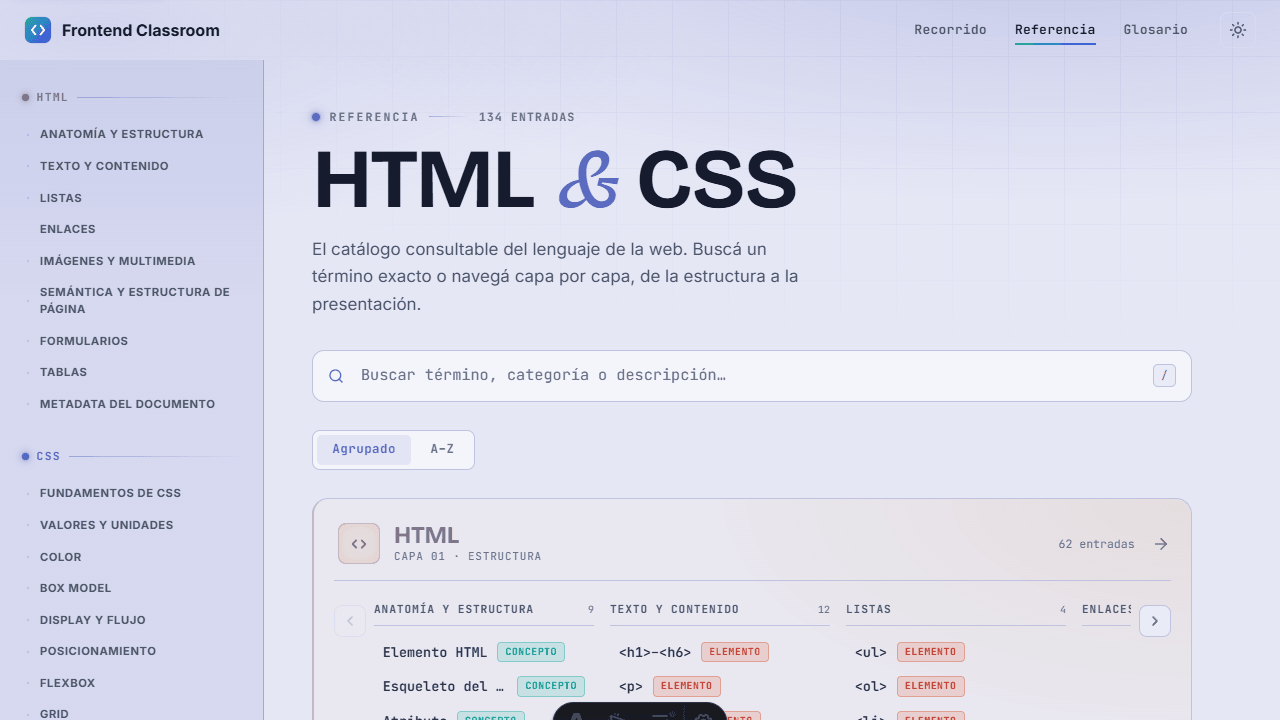
Each entry is a complete page, not a one-line definition: it has its own TOC, type (concept / element) and currency badges, a breadcrumb, and fixed sections—how it works, a realistic example, when to use what, notes and gotchas, current or legacy.
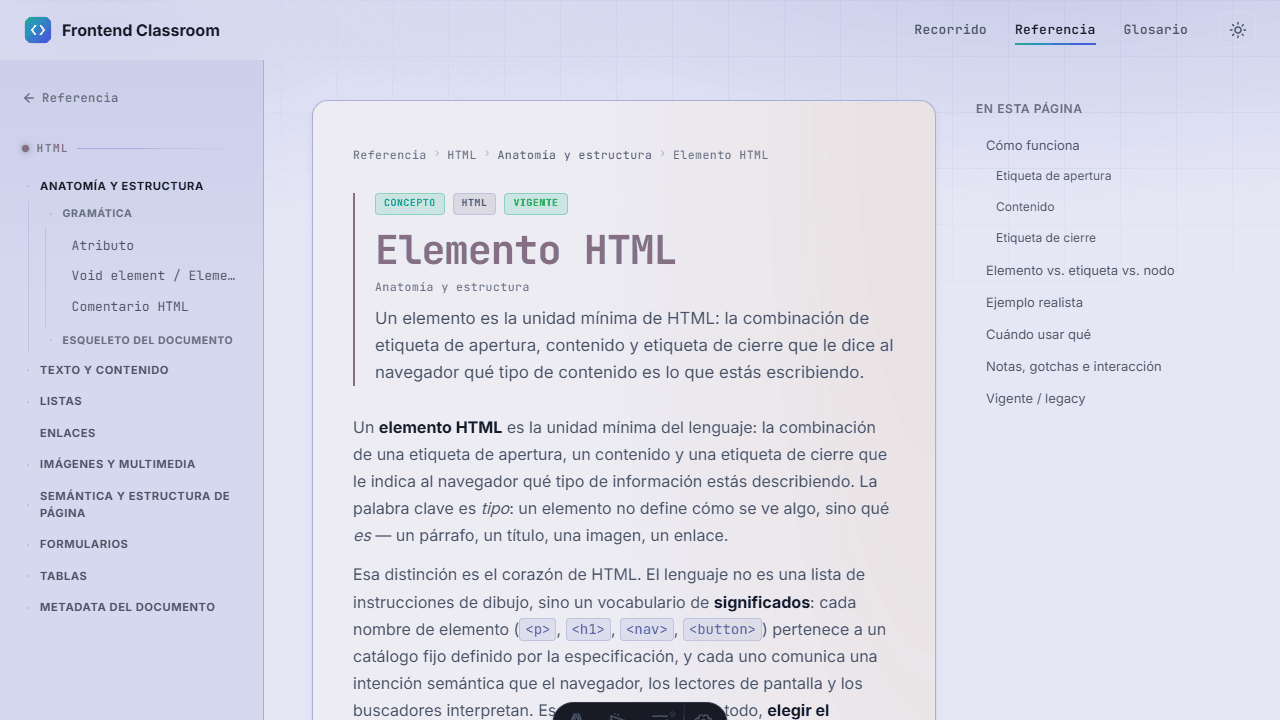
The Reference’s independence is what keeps the platform useful after the Track is complete—the point at which an ordinary tutorial stops being useful.
The content is tested too
Structural lesson linter
lecciones-linter.test.ts walks through all 29 modules and validates that the content has the expected structure. A malformed module breaks the test, not the class.
Execution tests
lecciones-ejecucion.test.ts verifies that lessons actually run, rather than merely being well written.
The check engine, tested separately
sandbox-runtime.test.ts covers the validator on its own—it is pure logic extracted from the view, so it can be tested without a browser.
End-to-end with Playwright
Playwright is configured as an e2e suite (test:e2e), navigating the app from end to end.
All of this runs in one workflow, ci.yml, on every push and PR to master and dev:
npm ci → npm run build → npx astro check → npm test → node verify-referencia.mjs. The last step is
a custom script, not a generic one: it verifies the Reference, the largest collection and the easiest one
to let drift out of sync.
The README states it as a rule, not a suggestion: “Quality gate before merging: npm run build and
npx astro check green, plus the lesson harness when touching content.” Testing content like code is the
part that educational projects often omit, and here it saved the most work: 87 lessons can silently break
much more easily than 87 functions.
Closed as a version, with one license for each half
Two licenses, because these are two different things
The code (Astro, TypeScript, components, scripts, configuration, styles) is under MIT. The educational content (lessons, reference, and glossary—everything under src/content/) is under CC BY 4.0, with separate license files (LICENSE and LICENSE-CONTENT). Covering 87 hand-written lessons with a software license would have been convenient and wrong: they are not software, and the terms I want for their reuse are not the same.
Private, and therefore no Repo button
The repository is private, so this case cannot offer a ‘look at the code’ link. I accept the consequence: the evidence is the deployed demo and the screenshots from the real app on this page, not a GitHub link.
The project is finished: a closed version, with both pillars complete and populated with real content, not a half-filled skeleton. The last push was on 2026-07-01 and that is exactly what it looks like—an orderly closing, not a pause.